

Data entry is the biggest single block of time in most accounts teams and CA firms. It is also the work clients value least. Before deciding whether to automate, it helps to put a number on what manual Tally entry actually costs you. Here is a simple way to do it.
Step 1: count your monthly entries
List the high-volume work you do every month, per client or for your own company:
- Bank statement lines (all accounts)
- Sales invoices (billing software, marketplaces, website orders)
- Purchase bills
- Journal entries (salary, depreciation, provisions)
- GSTR-2B lines to check against purchases
Step 2: estimate the time per entry
| Entry type | Typical manual time (incl. checking) |
|---|---|
| Bank statement line | 30–60 seconds |
| Simple journal | about 1 minute |
| GST sales or purchase invoice, 1–2 items | 2–3 minutes |
| Invoice with several items and inventory | 4–6 minutes |
Time yourself on twenty real entries to get your own numbers; they vary a lot by person and document.
Step 3: an example calculation
Take a small CA firm handling 10 clients, each with about 300 bank lines, 100 sales invoices and 60 purchase bills a month:
| Entries / month | Manual time | |
|---|---|---|
| Bank lines (45 sec each) | 3,000 | about 37 hours |
| Sales invoices (2.5 min each) | 1,000 | about 42 hours |
| Purchase bills (2.5 min each) | 600 | about 25 hours |
| Total | 4,600 | about 104 hours |
That is more than half of one full-time person's month spent only on typing, before any checking, reconciliation or GST work. At a staff cost of ₹150 per hour, it is roughly ₹15,000 a month, every month.
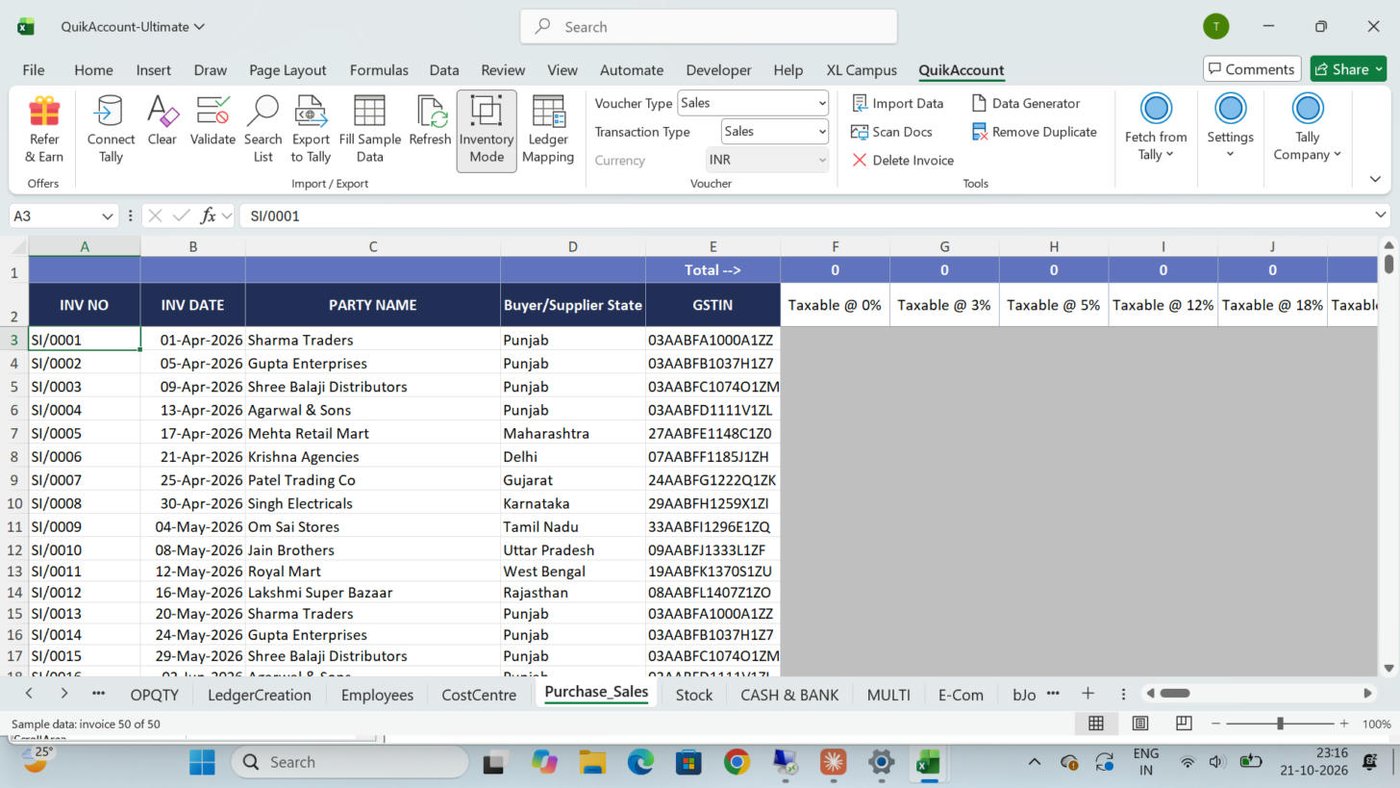
With Excel import, the same data is prepared and reviewed in a sheet and posted in minutes. Even if review takes a quarter of the original time (about 26 hours), the saving is about 78 hours a month in this example. With QuikAccount the export itself is one click per sheet, so almost all the remaining time is review.
Where import saves the most
- Bank statements: highest volume, very repetitive. See importing PDF bank statements.
- Sales registers from billing software, marketplaces and online stores.
- Purchase registers and GSTR-2B, which also makes GSTR-2B reconciliation faster.
- Masters: creating hundreds of ledgers or stock items at once.
What stays manual (and should)
Import removes typing, not judgement. Choosing the right ledger for an unusual payment, checking GST eligibility, year-end adjustments and client advice still need an accountant. Automating the typing frees time for exactly this work, which is also the work clients are happy to pay for.
Try it on one client
Pick your highest-volume client, import one month of bank and sales data, and compare the time with last month. Download the free trial.
Want to see it on your own data? Call +91 93584 44502 or message us on WhatsApp for a free demo, and see QuikAccount pricing for the editions.